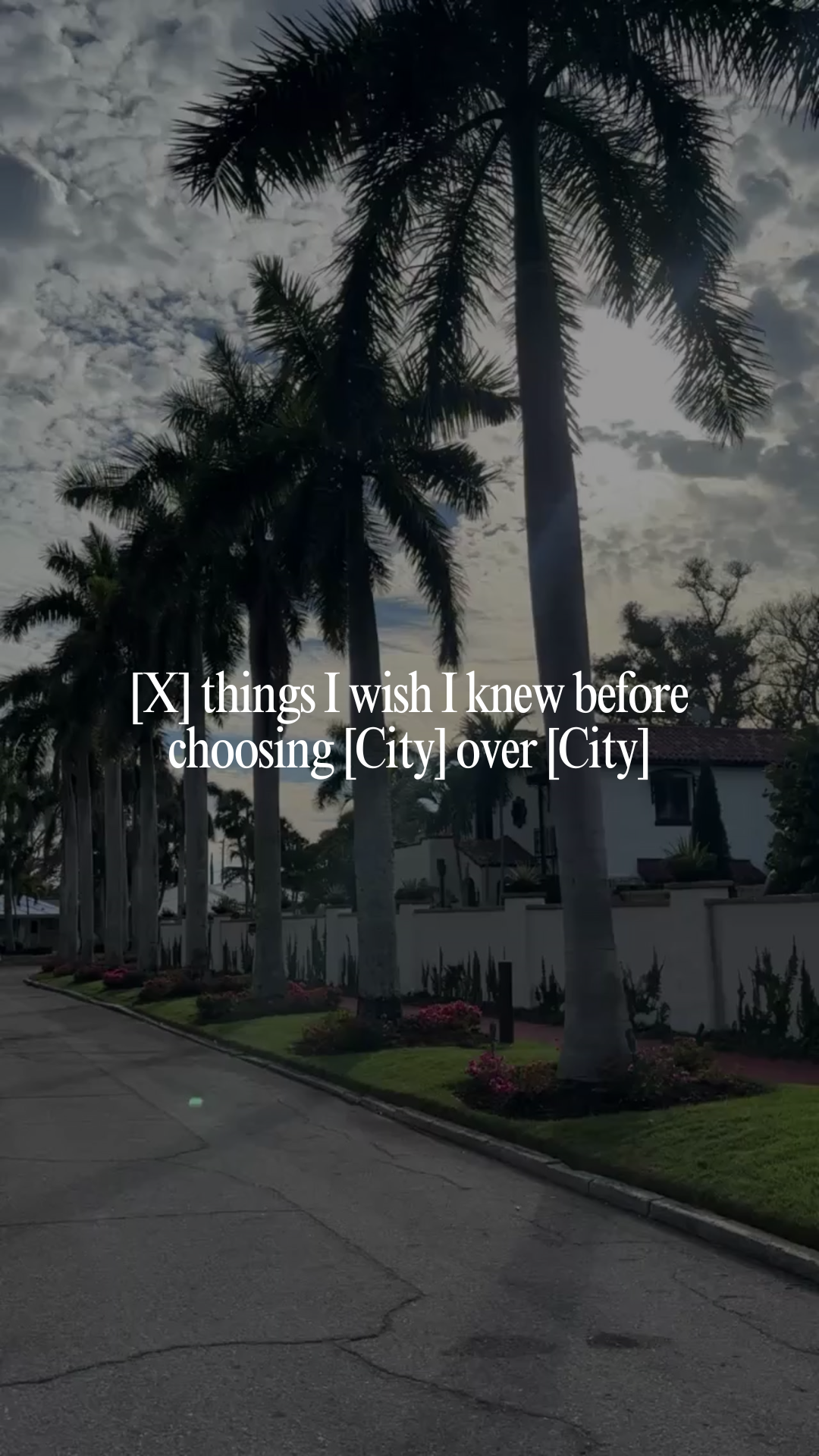
[X] things I wish I knew before choosing [City] over [City]
Caption
Choosing between [City] and [City] seemed simple at the time… but once you actually live somewhere, you start noticing the little things that make a big difference.
Here are a few things I wish I knew before choosing [City] over [City]:
1️⃣ Weekends feel completely different
One city might be all about brunch spots, markets, and busy patios, while the other leans more quiet and residential. Your weekends can look very different depending on where you land.
2️⃣ The housing styles aren’t the same
In one city you might see more [condos / townhomes / new builds], while the other is filled with [older homes / larger lots / character houses].
3️⃣ Some neighborhoods have way more personality
Every city has pockets that feel totally different. Some areas are lively and walkable, while others are more low-key and suburban.
4️⃣ Traffic and commuting can surprise you
Two places might only be [X] minutes apart on a map, but daily traffic patterns can change how convenient each city actually feels.
5️⃣ Local spots become a bigger part of life than you expect
The coffee shops, parks, gyms, and restaurants near home quickly become part of your daily routine.
6️⃣ There’s no universally “better” choice
The best city really depends on your lifestyle, routine, and what you want day-to-day life to look like.
If you're currently deciding between [City] and [City], feel free to send me a message. I’m always happy to help you compare the two. 🏡
#LivingIn[City] #[City]RealEstate #[City]Homes #[City]Realtor #MovingTo[City]
Instructions
1. Upload your video clip into the Instagram Edits app (watch the tutorial here). Use 1 local clip, keeping it 5-7 seconds. Use your strongest clip and make sure it matches the hook.
Note: If you need extra b-roll, grab free stock clips from dupephotos.com or download the app.
2. Add your hook and customize it to work for your location, ideal client, and the vibe of the video.
3. Select your font and text style. We recommend using white text with no background and a moderate size for best readability. Fonts we love: Classic, Directional, Advercase, and Danmark.
4. Add your trending audio. Choose audio with the trending arrow that fits the vibe of the reel.
5. Export the reel from Edits, then upload it into the Instagram app.
6. Customize your caption before posting. Copy and paste the caption above into Instagram and update key details (i.e. city, neighborhood, ideal client, listing info, etc.).
7. Add a lead magnet call-to-action at the end of your caption. Include a simple call-to-action that aligns well with the post to grow your email list. Watch this training series to learn how to set this up.
8. Tag your location and any featured businesses. Add your city as the post location, and tag / invite collaborators for any local businesses featured.