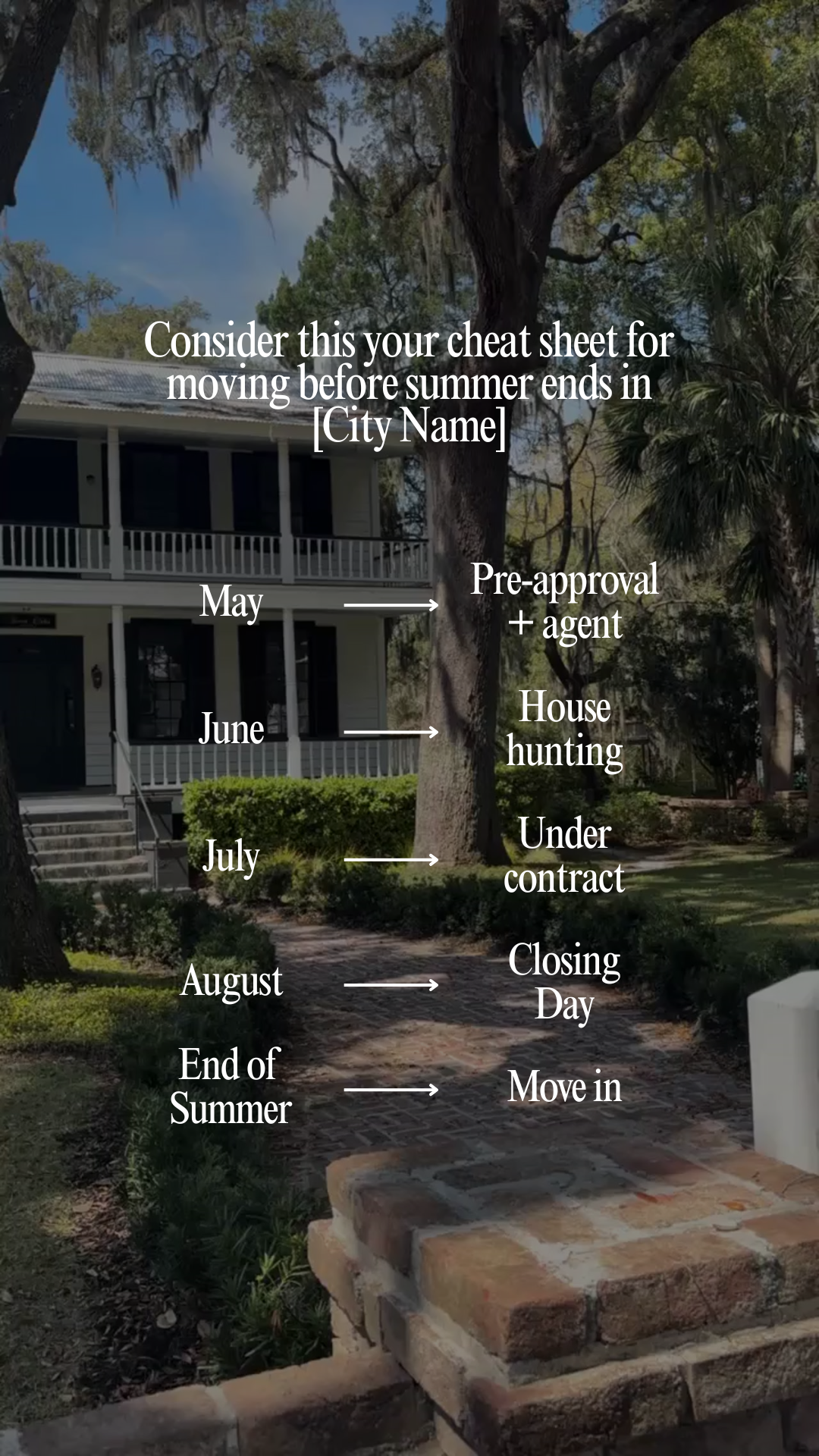
Consider this your cheat sheet for moving before summer ends in [City Name]
Caption
Consider this your cheat sheet for moving before summer ends in [City Name] ☀️
If you’re picturing yourself settling into a new place before fall hits… the timeline starts now.
Here’s what it actually looks like:
✔️ May: get pre-approved + connect with an agent
✔️ June: start touring and narrowing down your options
✔️ July: secure a home and go under contract
✔️ August: close and get your keys
✔️ End of summer: move in and settle
It goes faster than you think, and the people who start early are the ones unpacking while everyone else is still browsing.
If moving before fall is the goal, this is your window.
DM me “SUMMER” and I’ll send you a step-by-step plan to get started 📩
#[CityName]RealEstate #[CityName]Realtor #SummerIn[CityName] #[CityName]Homes #[CityName]Market
Instructions
1. Upload your video clip into the Instagram Edits app (watch the tutorial here). Use 1 listing clip, keeping it 5-7 seconds. Use your strongest clip.
Note: If you need extra b-roll, grab free stock clips from dupephotos.com or download the app.
2. Add your hook and make any needed customizations.
3. Select your font and text style. We recommend using white text with no background and a moderate size for best readability. Fonts we love: Classic, Directional, Advercase, and Danmark.
4. Add your trending audio. Choose audio with the trending arrow that fits the vibe of the reel.
5. Export the reel from Edits, then upload it into the Instagram app.
6. Customize your caption before posting. Copy and paste the caption above into Instagram and update key details (i.e. city, neighborhood, ideal client, listing info, etc.).
7. Add a lead magnet call-to-action at the end of your caption. Include a simple call-to-action that aligns well with the post to grow your email list. Watch this training series to learn how to set this up.
8. Add your city as the location and post!