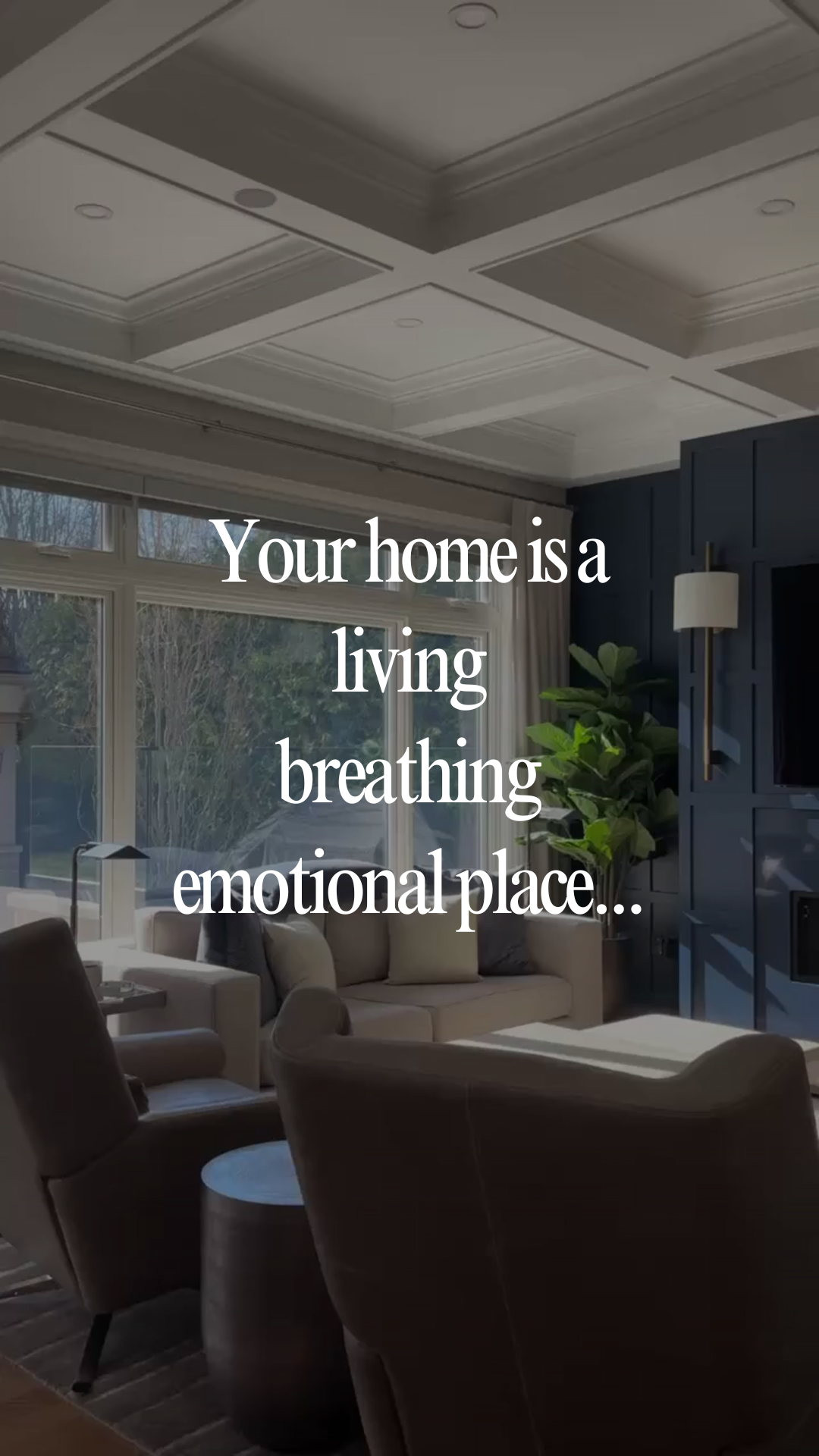
Your home is a…
Caption
A home holds so much more than furniture and decor 🛋️
It’s where birthdays are celebrated, routines are built, hard days happen, and ordinary moments become the ones you remember years later.
That’s why helping someone find the right home matters so much to me. It’s all about helping people step into a season of life that feels exciting, comforting, and truly theirs.
If a move has been on your heart lately, I’d love to help you find a place that feels like home the moment you walk in ❤️
#[CityName]Homes #[CityName]Living #[CityName]RealEstate #MovingTo[CityName] #LifeIn[CityName]
Instructions
1. Upload your video clips into the Instagram Edits app (watch the tutorial here). Use 2 listing clips, keeping them 3-5 seconds. Lead with your strongest clip.
Note: If you need extra b-roll, grab free stock clips fromdupephotos.com or download the app.
2. Add your hook and make any needed customizations.
3. Select your font and text style. We recommend using white text with no background and a moderate size for best readability. Fonts we love: Classic, Directional, Advercase, and Danmark.
4. Add your trending audio. Choose audio with the trending arrow that fits the vibe of the reel.
5. Export the reel from Edits, then upload it into the Instagram app.
6. Customize your caption before posting. Copy and paste the caption above into Instagram and update key details (i.e. city, neighborhood, ideal client, listing info, etc.).
7. Add a lead magnet call-to-action at the end of your caption. Include a simple call-to-action that aligns well with the post to grow your email list. Watch this training series to learn how to set this up.
8. Add your city as the location and post!