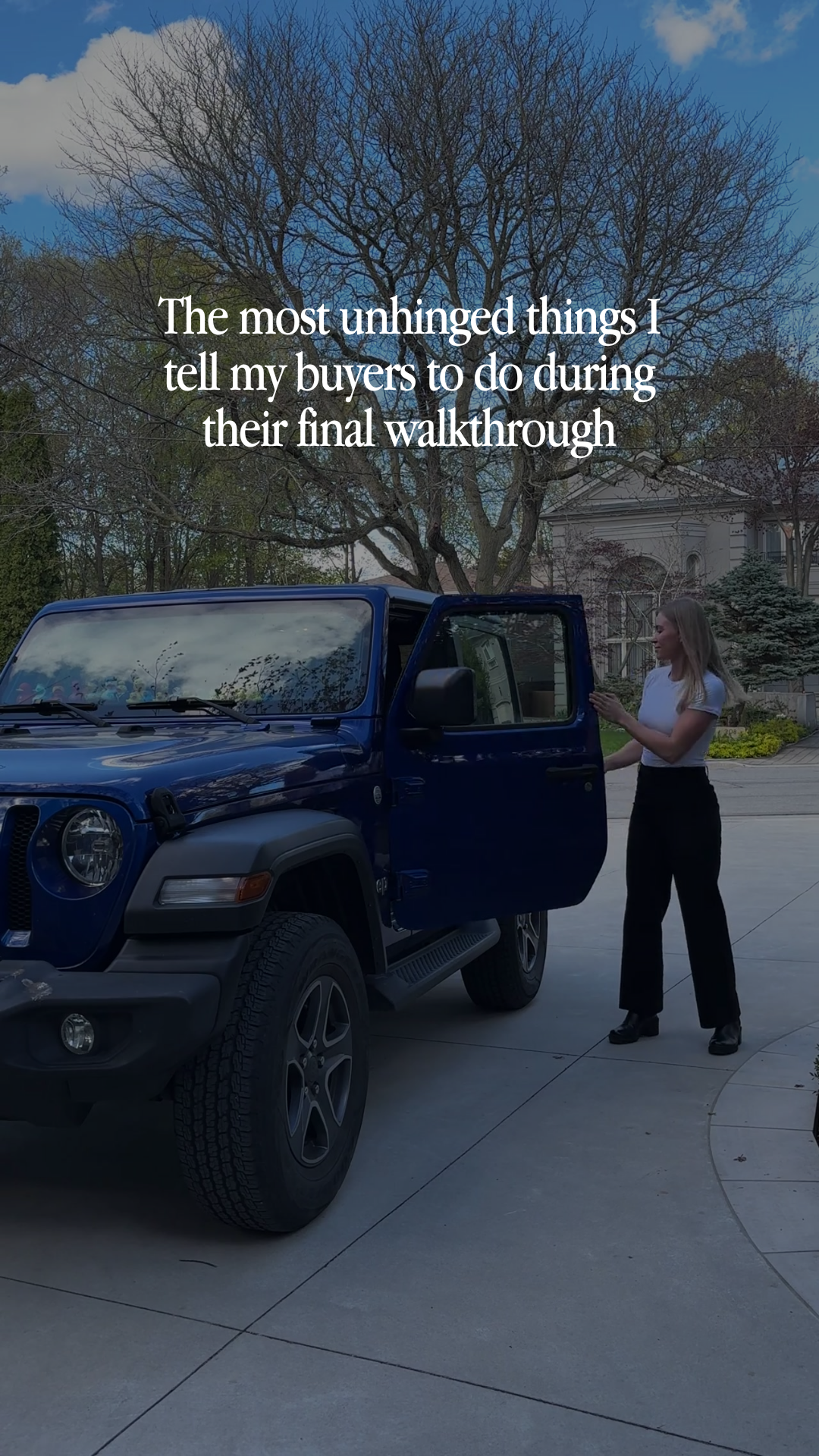
The most unhinged things I tell my buyers to do during their final walkthrough
Caption
Most buyers walk into their final walkthrough thinking it's just one last look before they get the keys.
I treat it a little differently.
This is your last chance to make sure the home is in the condition you agreed to buy. Once you close, it gets a whole lot harder to fix problems that should've been caught before the paperwork was signed.
That's why I tell my buyers to do things that probably make them look a little ridiculous.
During the final walkthrough, I want my buyers to:
🚰 Turn on every faucet and check for leaks
🚽 Flush every toilet
🪟 Open and close the windows
🚗 Test the garage door
💡 Flip every light switch
🌡️ Run the heat and A/C
🍳 Make sure the appliances actually work
📋 Double-check that everything included in the contract is still there
It might feel a little over the top, but I'd rather spend an extra 20 minutes testing everything than have you find out something's broken after move-in.
Save this for closing week, and if you're buying in [City Name], send me a DM. I'll make sure you don't miss the little things that can turn into big headaches later. 🏡
#[CityName]RealEstate #[CityName]Realtor #HomeBuyingTips #FirstTimeHomeBuyer #[CityName]Homes
Instructions
1. Upload your video clip into the Instagram Edits app (watch the tutorial here). Use 1 listing or personal clip, keeping it 5-7 seconds. Use your strongest clip.
Note: If you need extra b-roll, grab free stock clips from dupephotos.com or download the app.
2. Add your hook and make any needed customizations.
3. Select your font and text style. We recommend using white text with no background and a moderate size for best readability. Fonts we love: Classic, Directional, Advercase, and Danmark.
4. Add your trending audio. Choose audio with the trending arrow that fits the vibe of the reel.
5. Export the reel from Edits, then upload it into the Instagram app.
6. Customize your caption before posting. Copy and paste the caption above into Instagram and update key details (i.e. city, neighborhood, ideal client, listing info, etc.).
7. Add a lead magnet call-to-action at the end of your caption. Include a simple call-to-action that aligns well with the post to grow your email list. Watch this training series to learn how to set this up.
8. Add your city as the location and post!