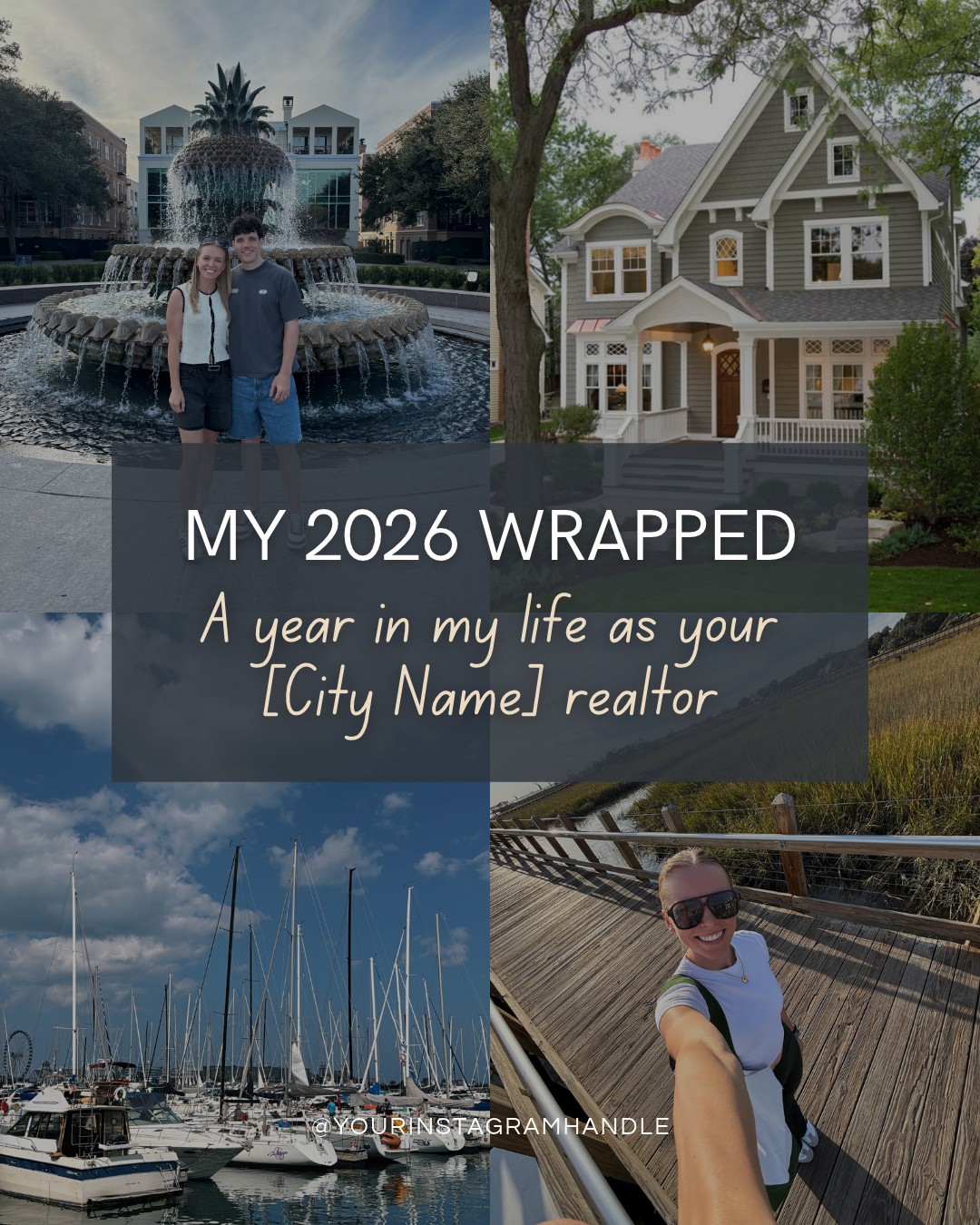
Caption
My 2026 Wrapped is here! 🏡
This year brought new clients, new listings, plenty of showings, some exciting sales and a few milestones I'm especially proud of. Looking back at it all, I'm reminded of just how much goes into this business and how lucky I am to do it alongside such great people.
Here's a look at some of the numbers, highlights and wins from the past 12 months. I'm so grateful to everyone who trusted me with their move, referred a friend or family member, or supported my business along the way.
Every year brings something new to learn, and I'm already looking forward to seeing what 2027 has in store. Thank you for being part of my 2026!
#[CityName]RealEstate # [CityName]Realtor # [CityName]Homes # [CityName]Living # [CityName]RealEstateMarket
Instructions
1. Replace the template photos with ones of yourself, listings or stock images.
Note: If you need more photos, grab free ones from dupephotos.com or download the app.
2. Customize the template as needed with personal details and local information, or for your ideal client.
3. Download the template as PNG files and upload to Instagram.
4. Add trending audio that aligns with your brand.
5. Customize the caption before posting. Copy and paste the caption above into Instagram and update key details (i.e. city, neighborhood, ideal client, etc.)
6. Optional: Add a lead magnet call-to-action at the end of your caption. Include a simple call-to-action that aligns well with the post to grow your email list. Watch this training series to learn how to set this up.
7. Tag your location and post!